|


GTIN
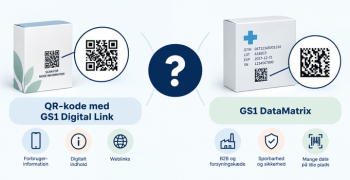
Colloquially, many know GTIN as a barcode, but technically, GTIN is the number found beneath the barcode symbol itself, and can therefore also be used for other technologies such as 2D barcodes and RFID tags.
Colloquially, many know GTIN as a barcode, but technically, GTIN is the number found beneath the barcode symbol itself, and can therefore also be used for other technologies such as 2D barcodes and RFID tags.
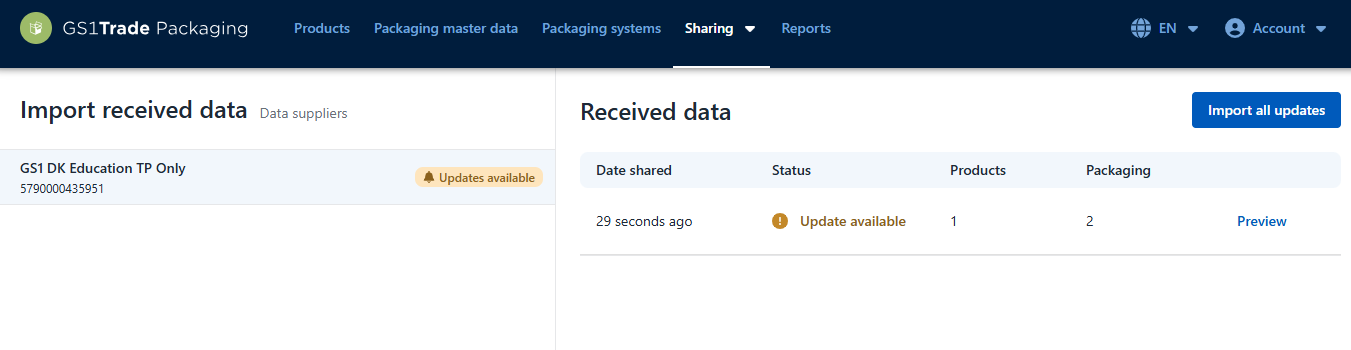
When a company has shared data with you in GS1Trades Packaging, you can view the shared data in the “Import Shared Data” tab.
Go to “Sharing” and “Import Shared Data” in the main menu.
Under “Import data” you can see the data providers who sent data to you and whether the data is up to date or updates are available.
Click on a given data provider to view shared data, including number of products and number of packaging units.
Click Preview to view the received data.
Click Import all updates to import the data into your workspace.
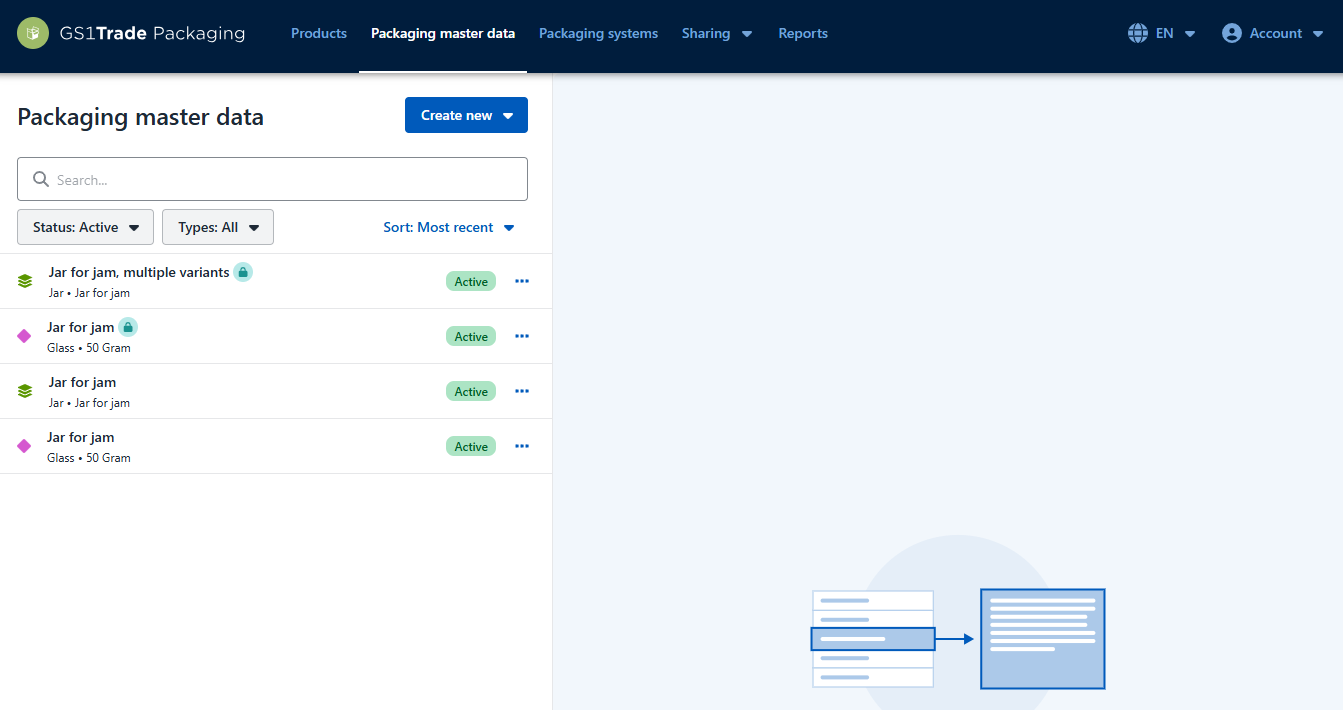
Once you have imported the data, the shared products will appear under "Products" and the shared packaging data under "Packaging Master Data".
Shared data is locked. They appear with a light blue padlock icon. This means you cannot edit the received data. Only your data provider can make changes and share these updates with you.
Do you still need help? Reach out to our support team. We are always ready to help.