|


GTIN
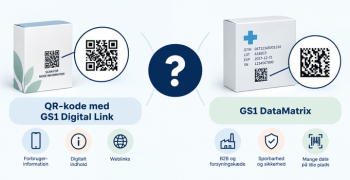
Colloquially, many know GTIN as a barcode, but technically, GTIN is the number found beneath the barcode symbol itself, and can therefore also be used for other technologies such as 2D barcodes and RFID tags.
Colloquially, many know GTIN as a barcode, but technically, GTIN is the number found beneath the barcode symbol itself, and can therefore also be used for other technologies such as 2D barcodes and RFID tags.
The guide assumes that your company is already a member of GS1 Denmark and that you have user access to My GS1. Become a member of GS1.
Please note that the person who creates the subscription for GS1Trade Packaging will be given the role of administrator of the service.
Start by logging in to our member portal, My GS1.
If you receive a notification that your user does not have access to My GS1, send an email to info@gs1.dk in which you provide your email, name and telephone number and the company registration (CVR) number for the user you want to create.
When logged in to My GS1, you first land on the page 'Overview'. Under the headline 'Other GS1 Services' you can find the services that your company does not currently subscribe to. Below you will find GS1Trade Packaging.
To get started with GS1Trade Packaging, please click 'Order now'.

You will then be guided through the buying process, where you will need to opt-in to GS1Trade Packaging and subsequently agree to the terms and conditions of using the service.
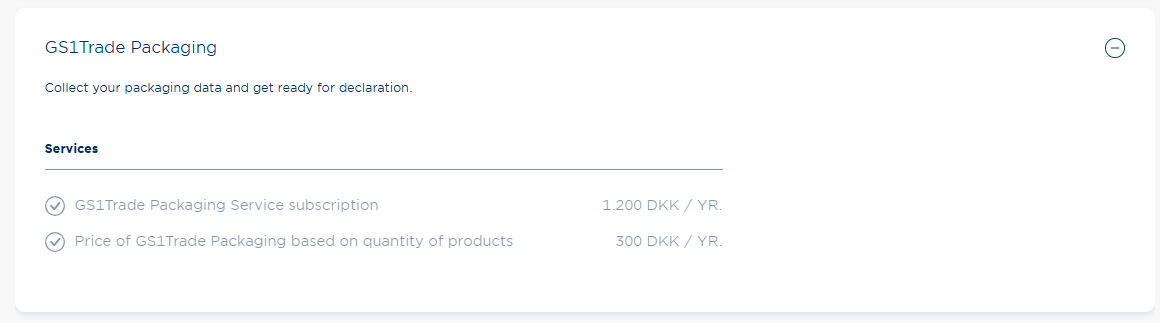
You will find GS1Trade Packaging on page 2 of optional services. Check both boxes before proceeding.
On page 3 you will be able to see that GS1Trade Packaging now appears in the complete overview of your subscriptions on the left. Accept the terms and conditions and click 'Pay now'.
Your order is now complete and you can access GS1Trade Packaging via this link: gs1tradepackaging.dk.
Note. This action requires you to be the administrator of the service.
Once you have ordered GS1Trade Packaging, on the service page of My GS1, you can create new users if there are some of your colleagues who also need access to the system.
Go back to 'My Overview' and click on 'GS1Trade Packaging' under the headline 'My Subscriptions'.
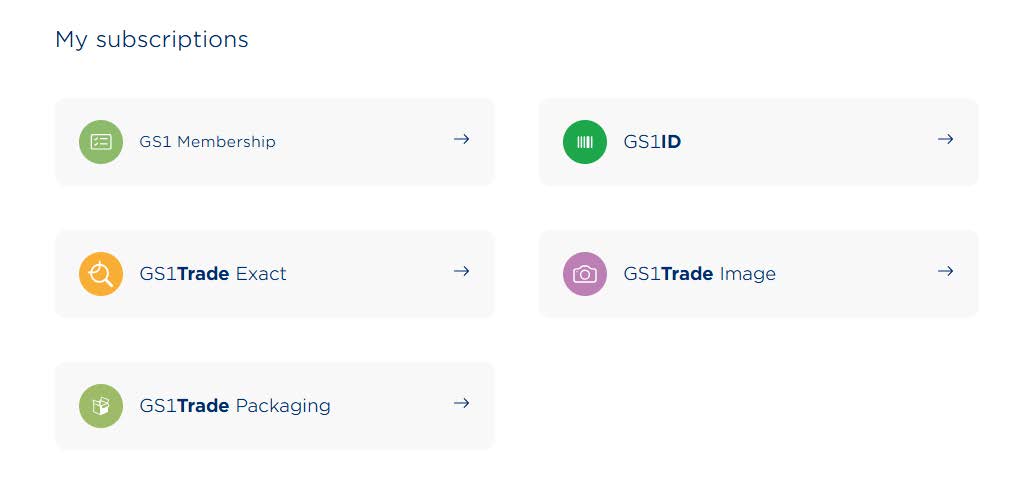
Under the tab 'User Profiles' you can see which users have already been created as well as create new users by clicking 'Create user'.
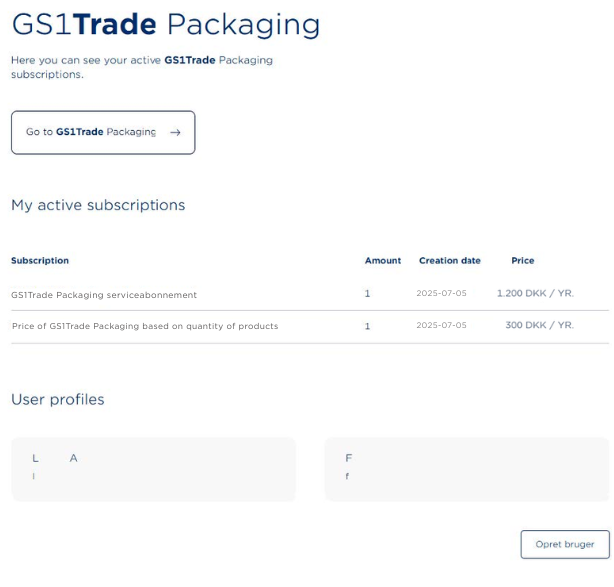
If you get an alert message when you access the service page, under 'User Profiles', it is because you are not the administrator of your GS1Trade Packaging account and therefore do not have the rights to see or create additional users.
Only the administrator of your account has the right to do so.
The administrator is the user who created your subscription to GS1Trade Packaging.
Do you still need help? Reach out to our support team. We are always ready to help.